
Your family’s AI assistant
Calendar, lists, rides and kids’ routines, all handled in one place for your family.
Family plans come from many places. Banjo puts them on one calendar and one list.
School email
Picture day is Friday. Wear the blue shirt.
Sports schedule
Saturday game moved to 9:30
Permission slip
Please return by Thursday

Dentist reminder
Thursday at 3:30, bring the insurance card
Shopping list
Weekend to-dos
Dinner ideas
The week’s dinner plans
Banjo brings the moving pieces together, so the plan doesn’t have to live in one person’s head.

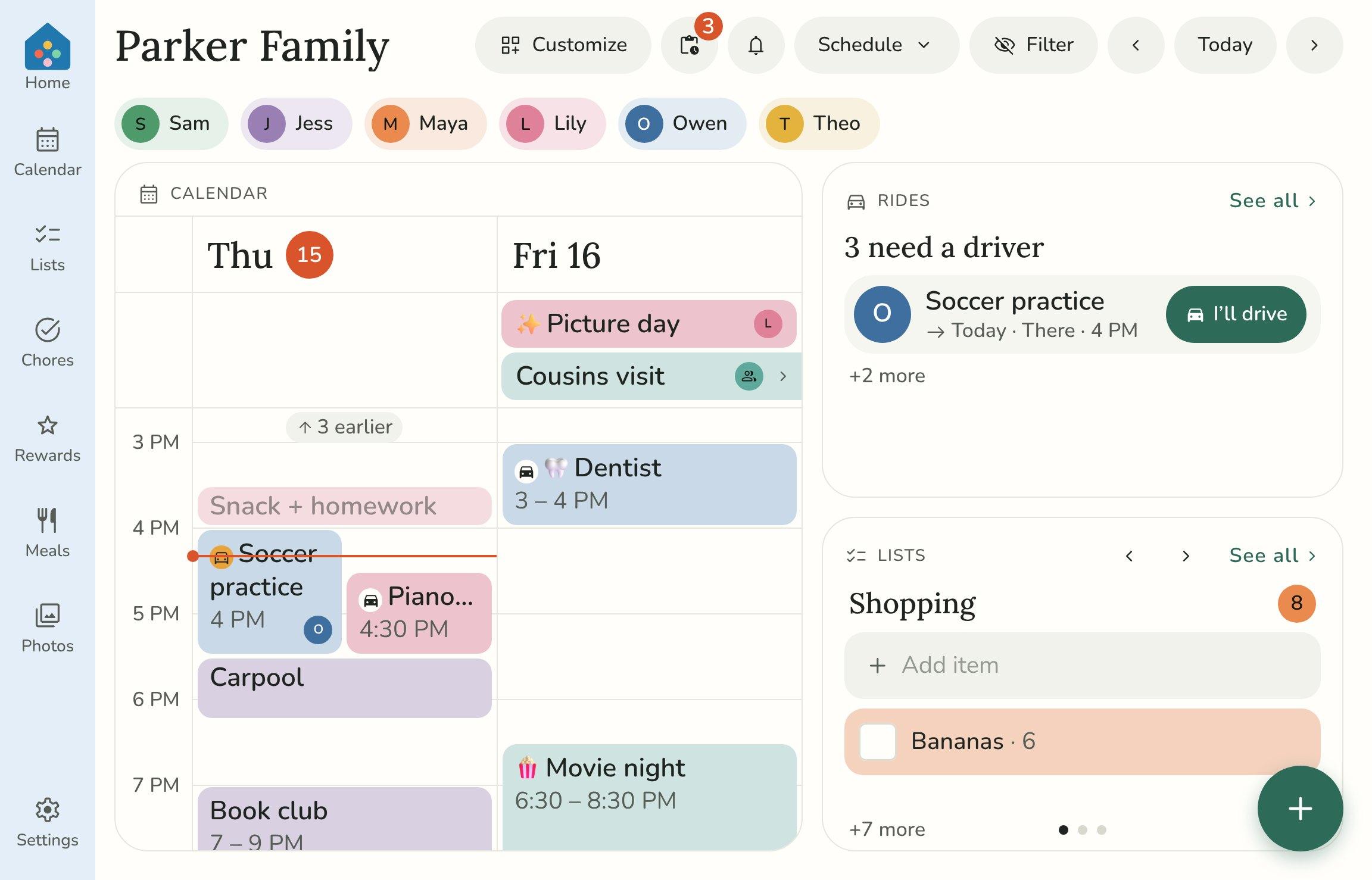
Everyone sees their own part of the plan.
Choose a tab to see Banjo the way that person sees it.
Share the remembering
- Answer a request in one tap.
- Hear when your partner moves something.
- Hand a to-do to someone, or say “I’ll do it.”
Put your plans on the family calendar
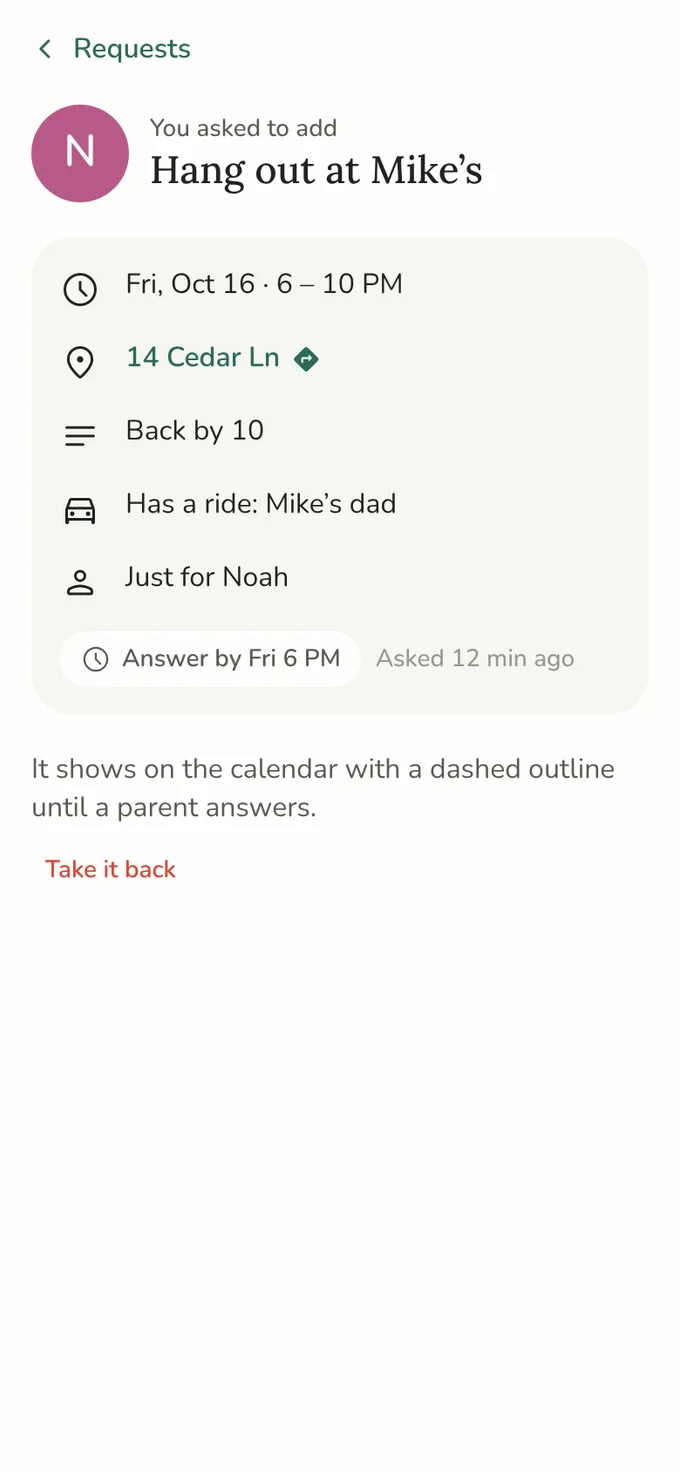
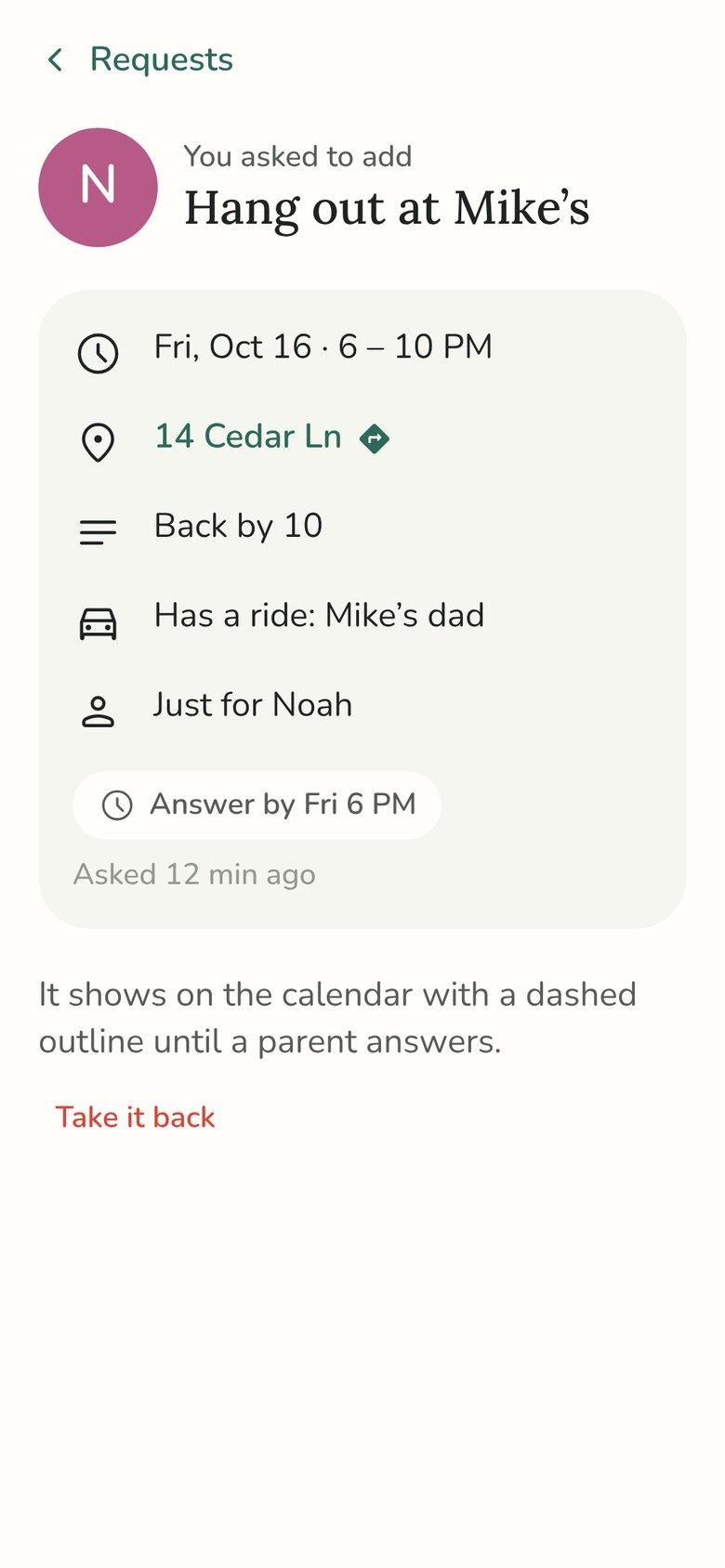
- Ask to hang out at a friend’s and see “Waiting for approval.”
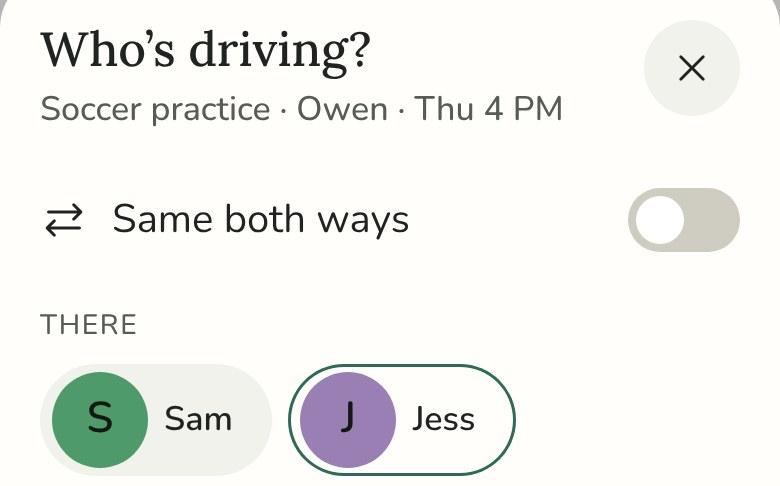
- Check “I have a ride” and say who’s driving.
- Claim a ride to drive once a parent turns on Can drive.
Check it off, earn a star
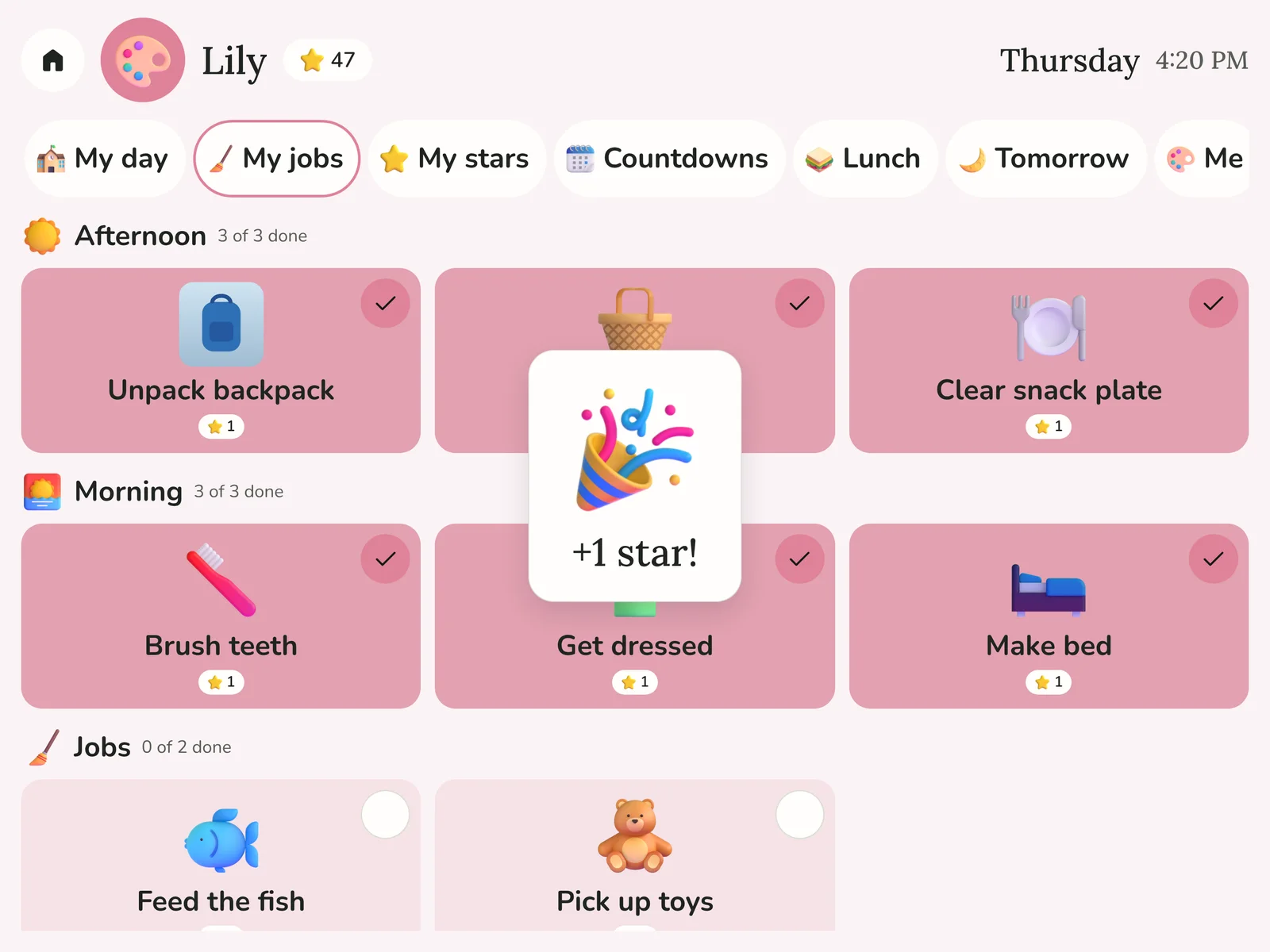
- See what’s next today in pictures.
- Check off your jobs to earn stars.
- Save stars for a reward from the list.
See the kids’ days, help where you can
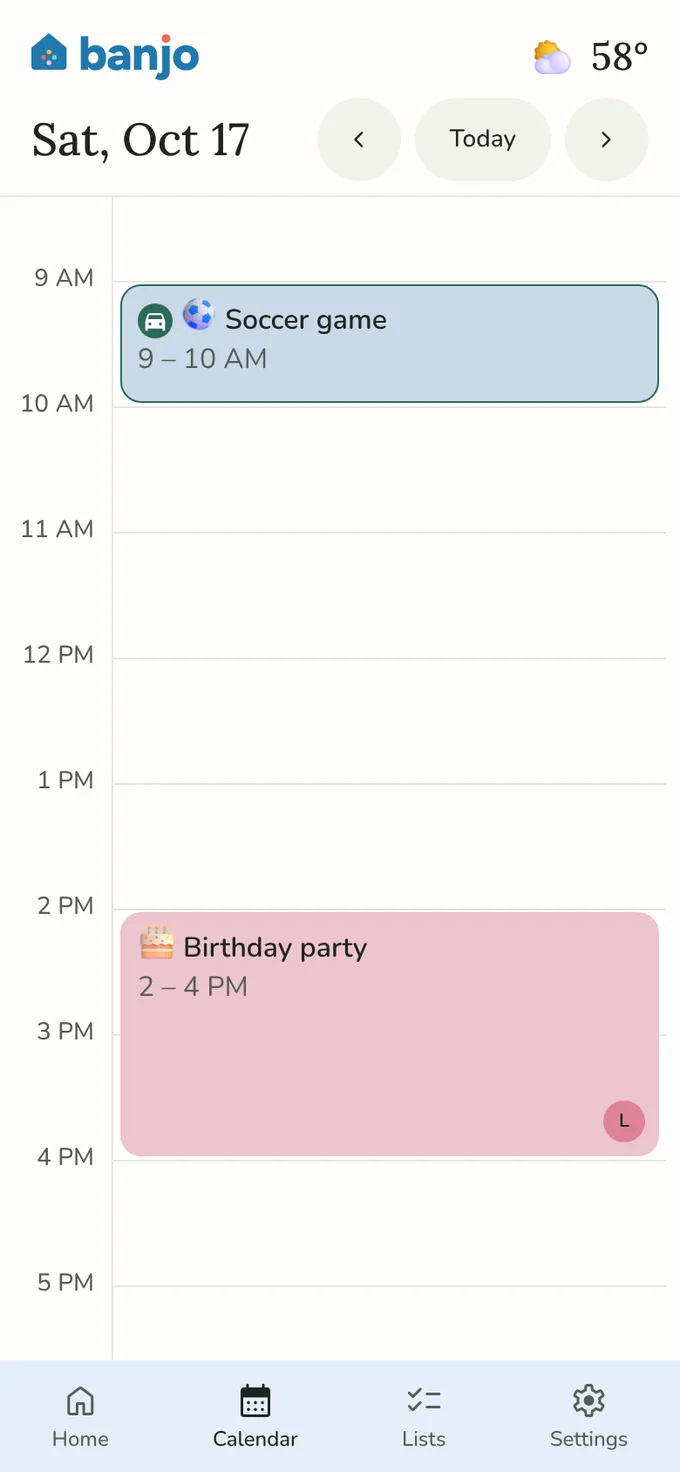
- See the kids’ events, notes and attachments, on dates a parent sets.
- Prefer your own calendar? A parent can share one kid’s week.
- Add to the shopping list or give a star, if a parent allows.
Answer a ride request in one tap
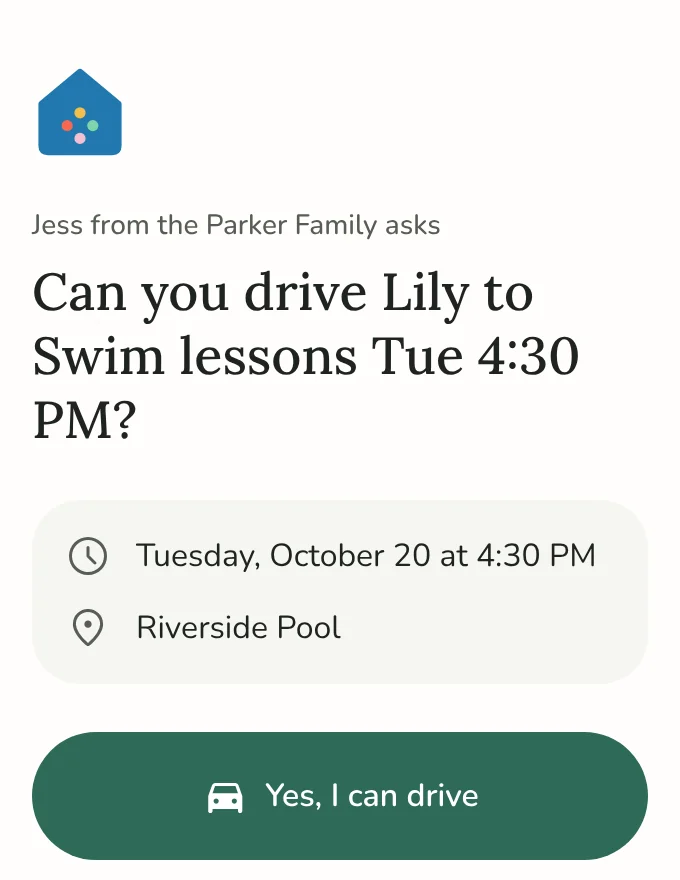
- Open the link a parent sent you.
- Tap Yes or Not this time.
- Yes puts the ride in your calendar.
CALENDAR & LISTS
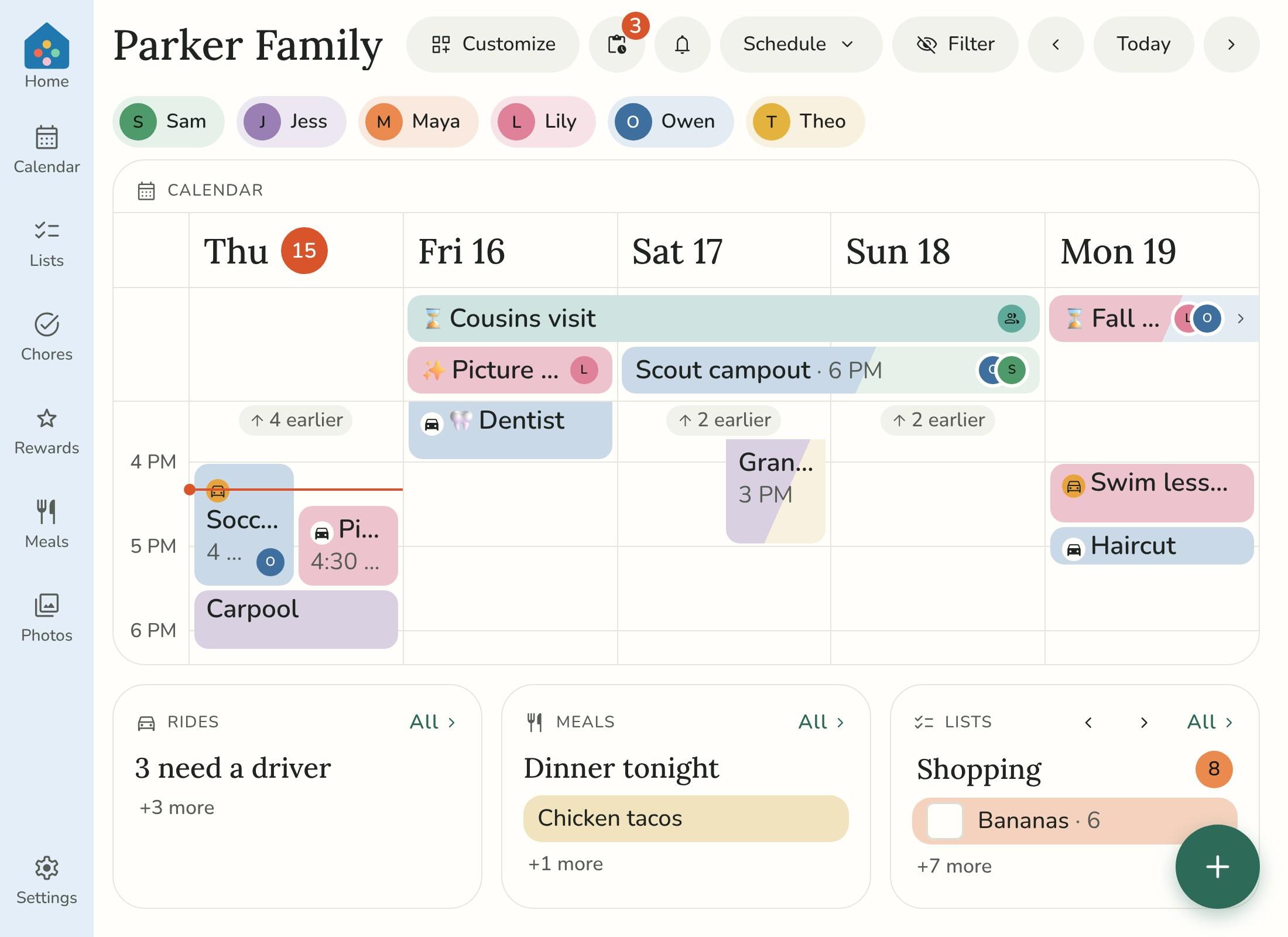
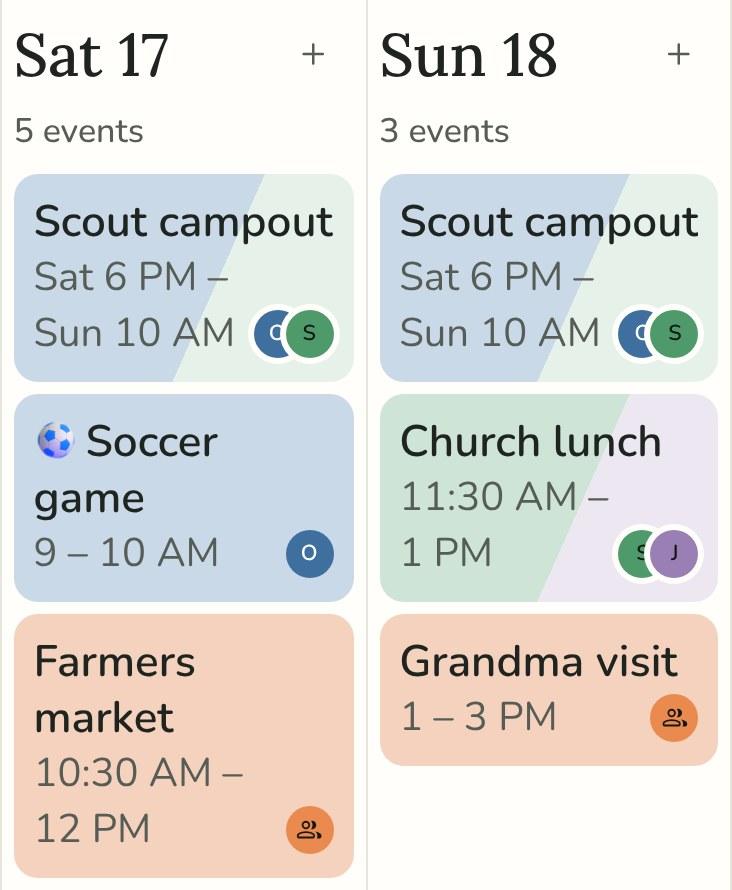
Everyone sees the same week.
Everyone gets their own color on one calendar that syncs both ways with Google Calendar.
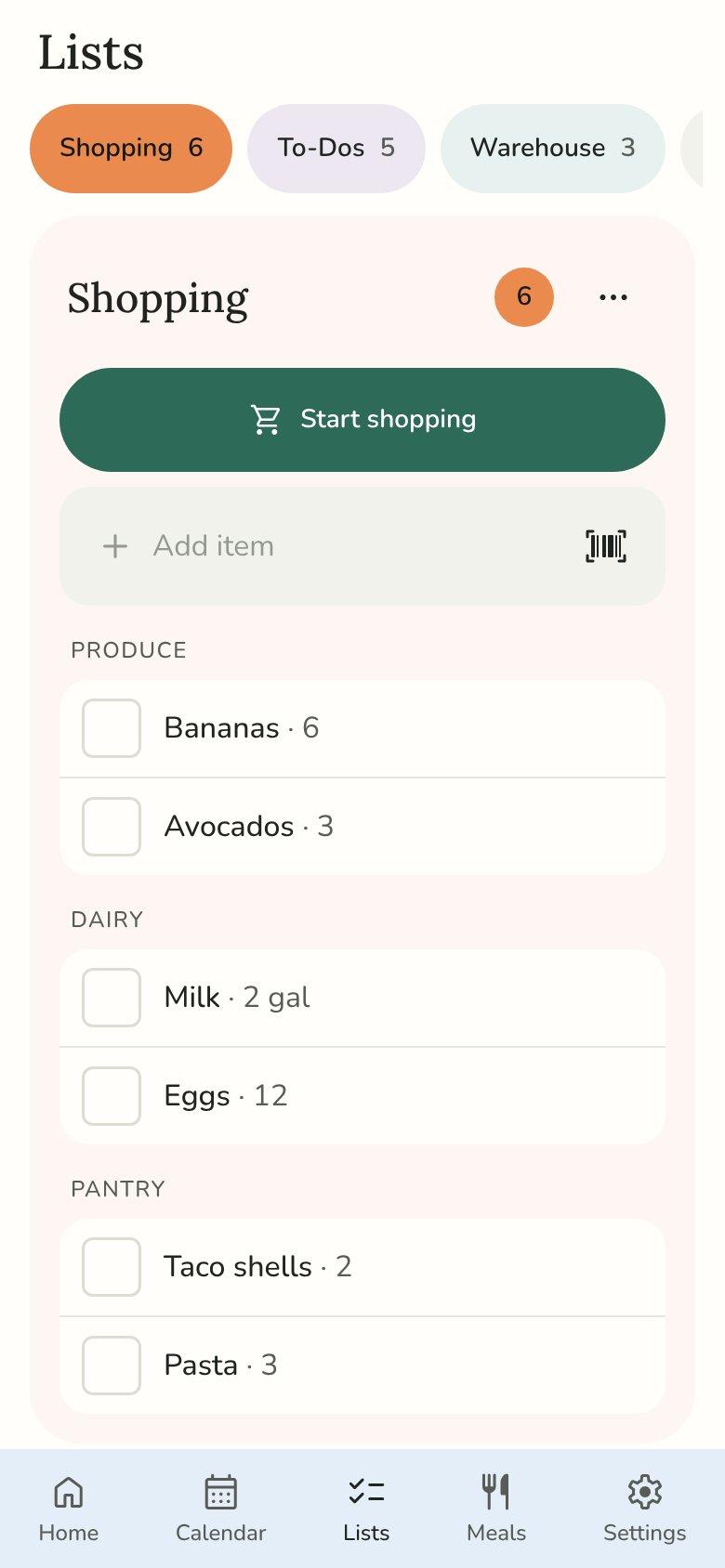
Shopping list, to-dos and the week’s dinners live right next to it.
See more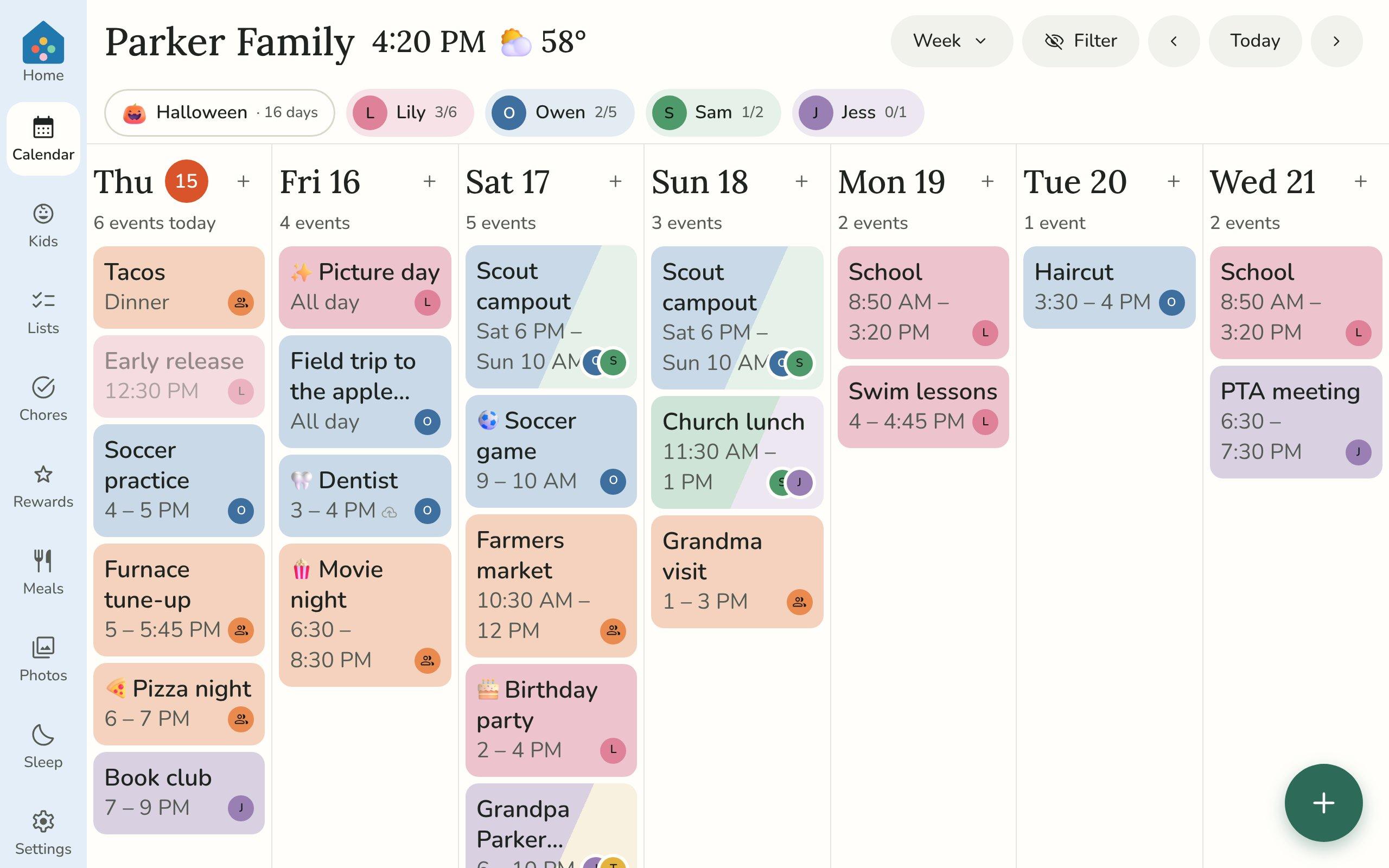
AI ASSISTANT
Stop retyping the flyer.
Banjo turns emails, flyers and screenshots into events and to-dos. Anything it’s unsure about waits for you.
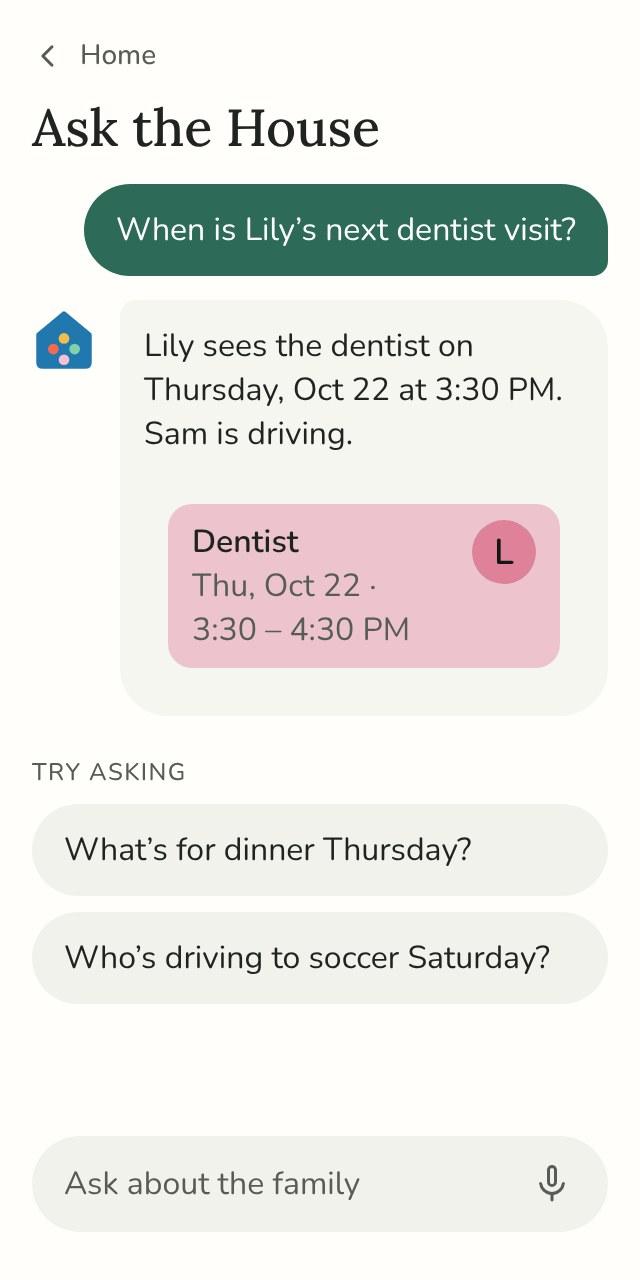
Ask about your week out loud or by text, and get dinner ideas.
See more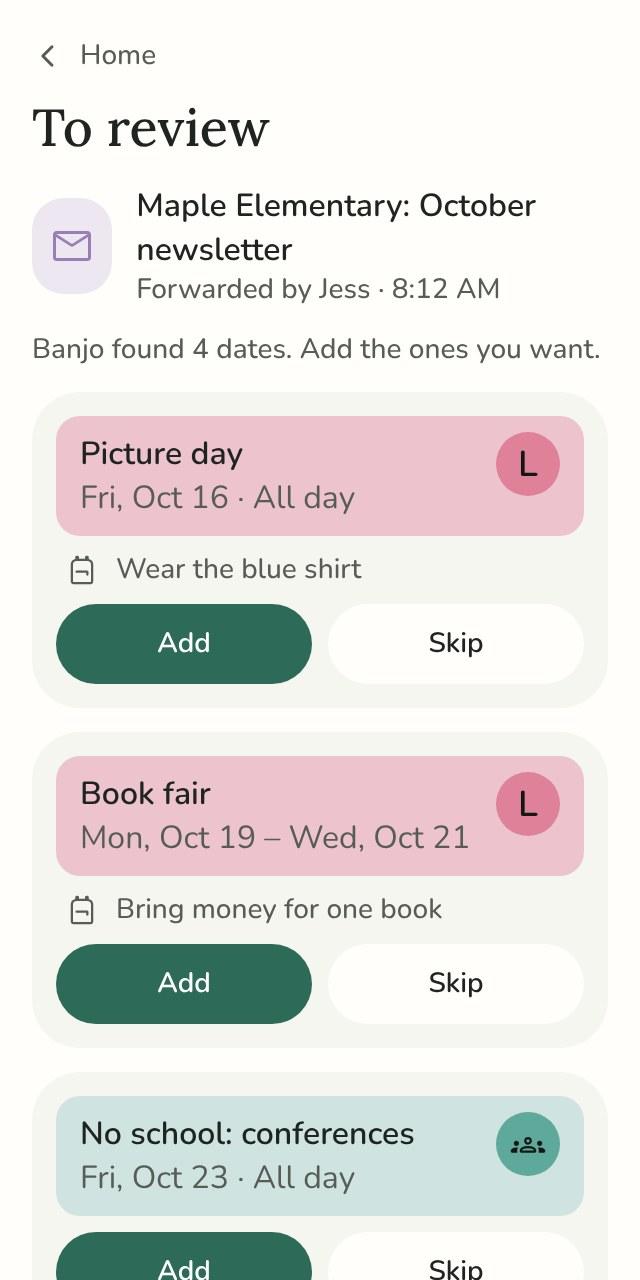
RIDES & CARPOOLS
Everyone knows who’s driving.
Every event shows who’s taking the kids and who’s bringing them home, with a reminder before your turn.
Start a carpool and the other families join from an email or text. They don’t need the app.
See more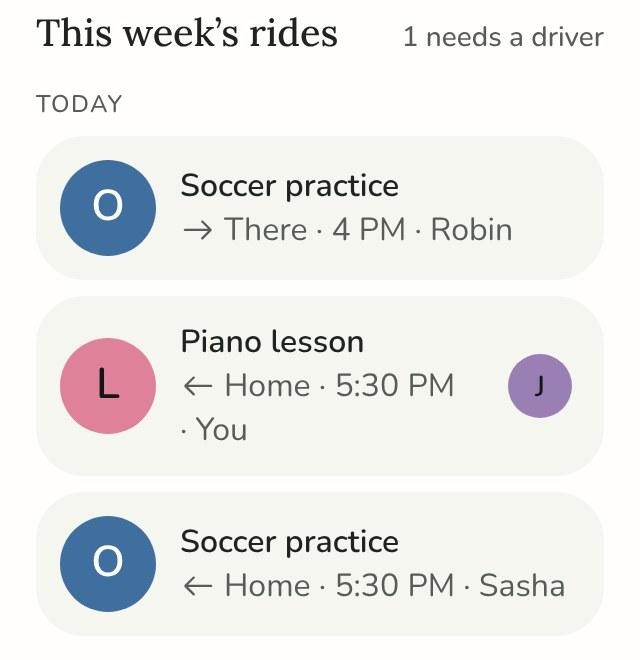
 Banjo Bridge: other families join by email, no app.
Start a swim carpool
Sam’s family
Robin’s phone
Sam
JoinNot this time
Robin’s calendar
Avery’s phone
Sam
JoinNot this time
Avery’s calendar
Avery: Joined · added to their calendar
Morgan’s phone
Sam
JoinNot this time
Morgan: Not this time
The families you drive with don’t have to join Banjo.
Need just one ride? Ask a parent by text, and they answer from a link, no login.
Growing up comes with a bigger part in the plan.
A preschooler needs pictures. An elementary schooler wants to check things off. A teenager needs to manage their own schedule.
Banjo grows with your family.
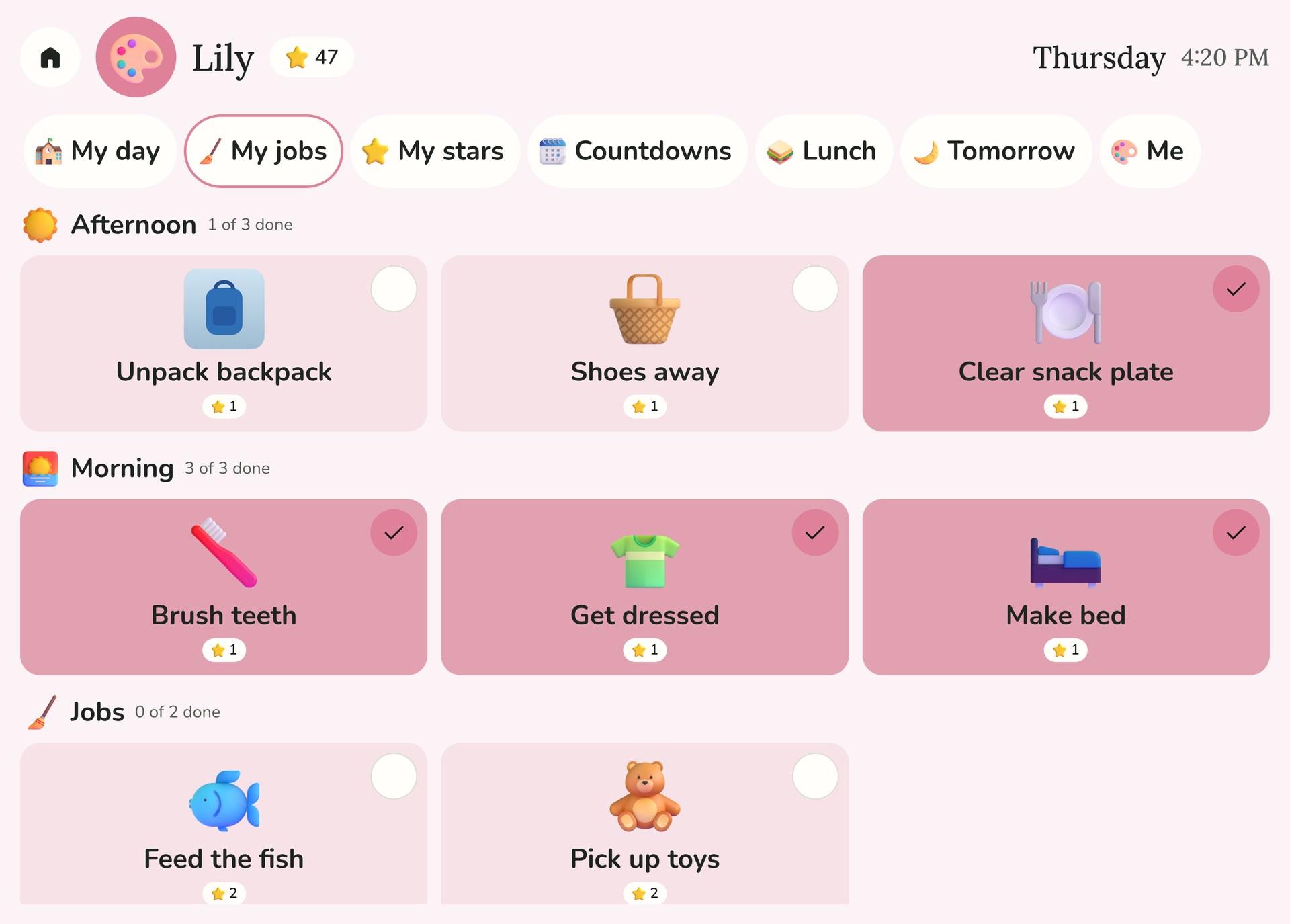
Pictures to follow, stars to earn.
- Lily follows picture jobs, checks each one off and earns a star.
- You hear “what’s next?” a lot less.
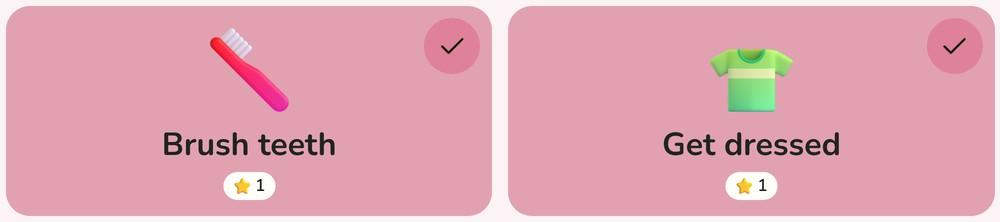

Stars add up to the reward.
- Owen checks off his jobs and “Ready for Friday” list, and saves stars for a reward he picks.
- Fewer reminders from you. The reward list stays yours.
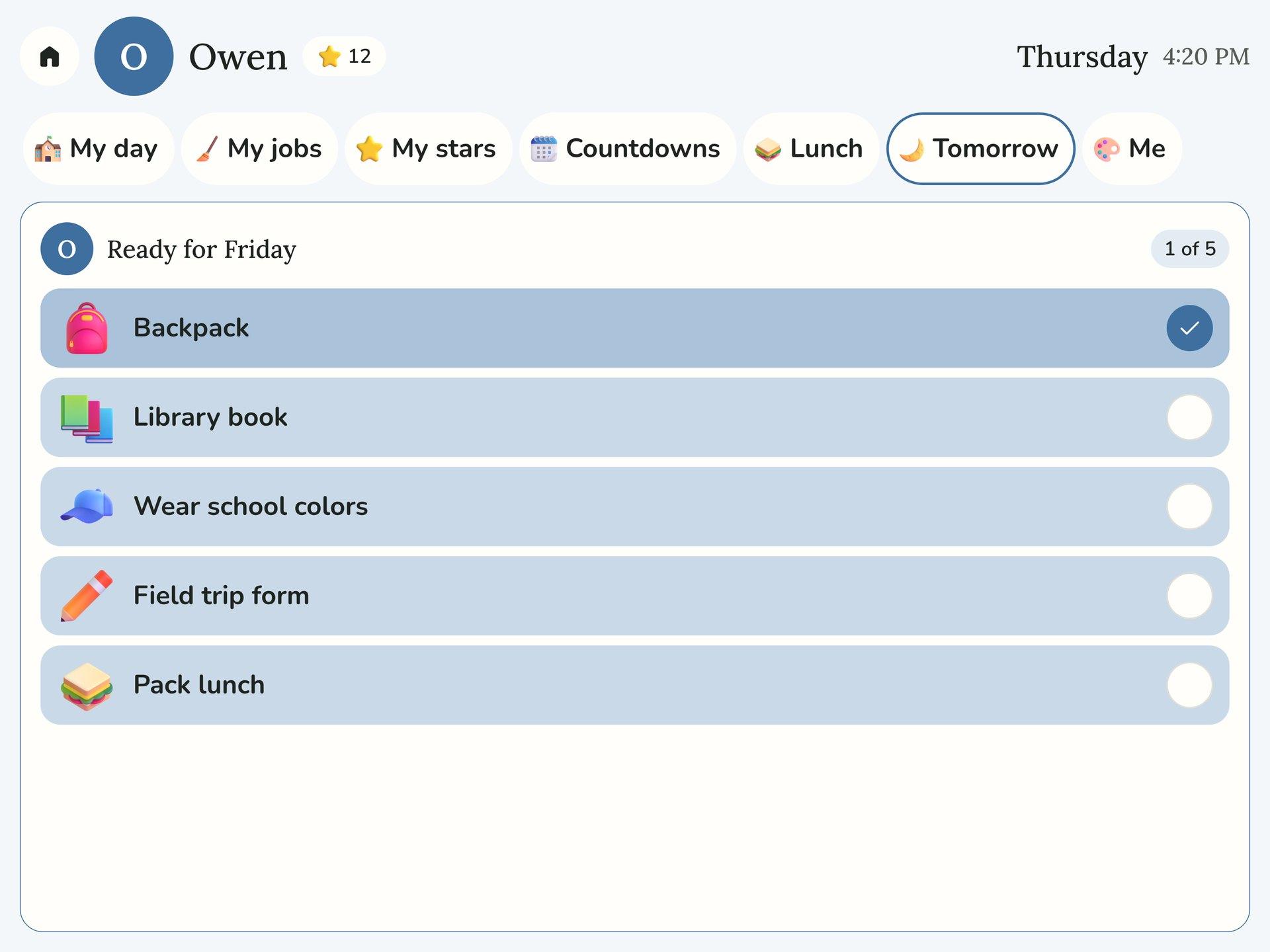
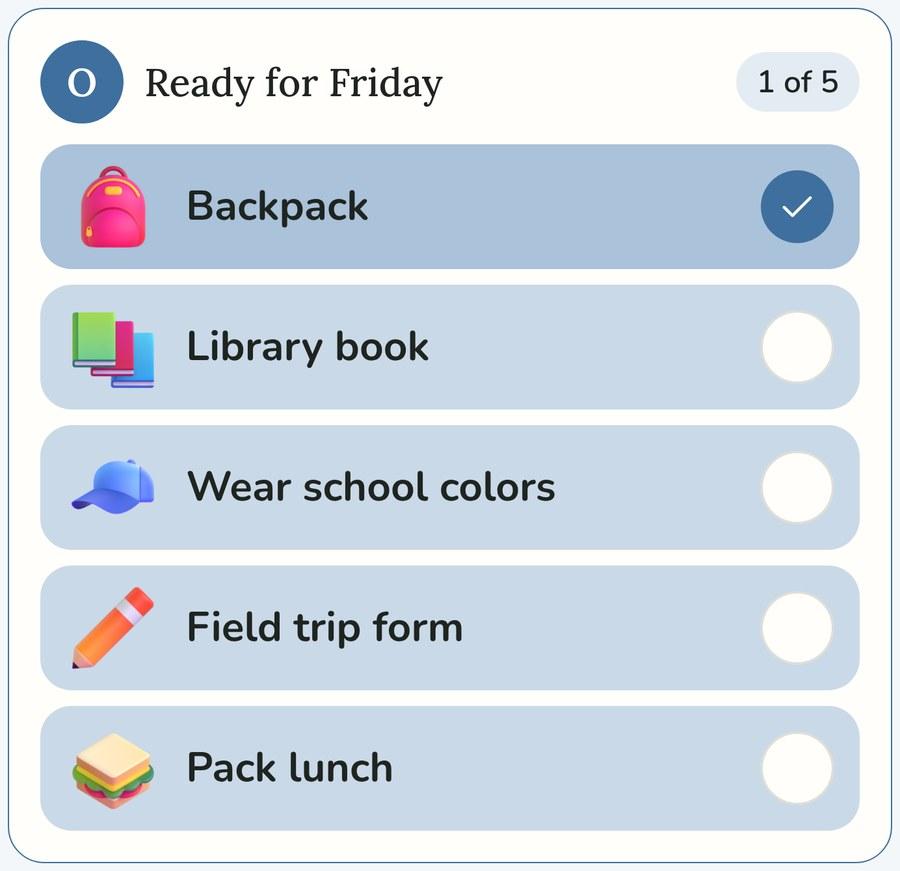
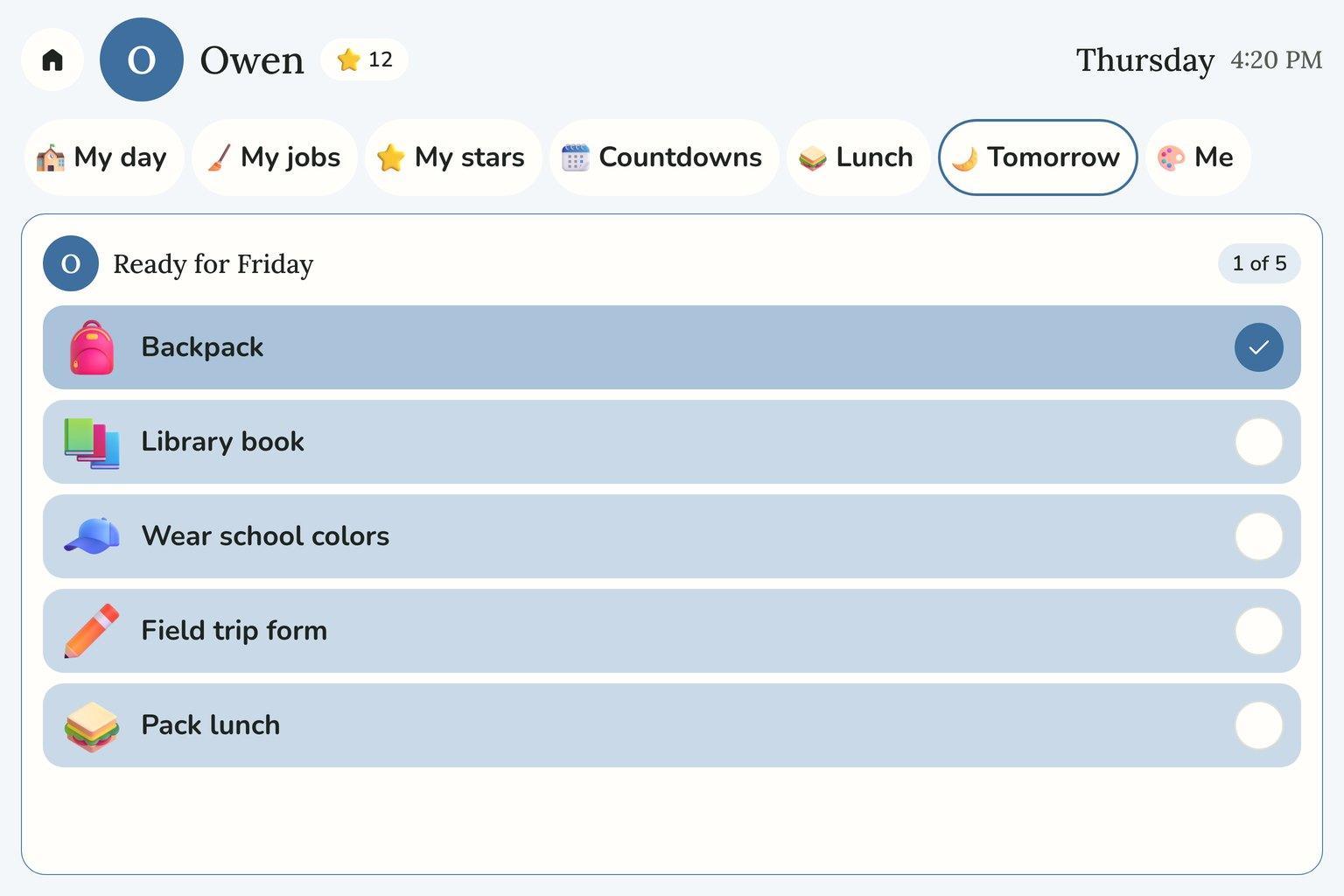
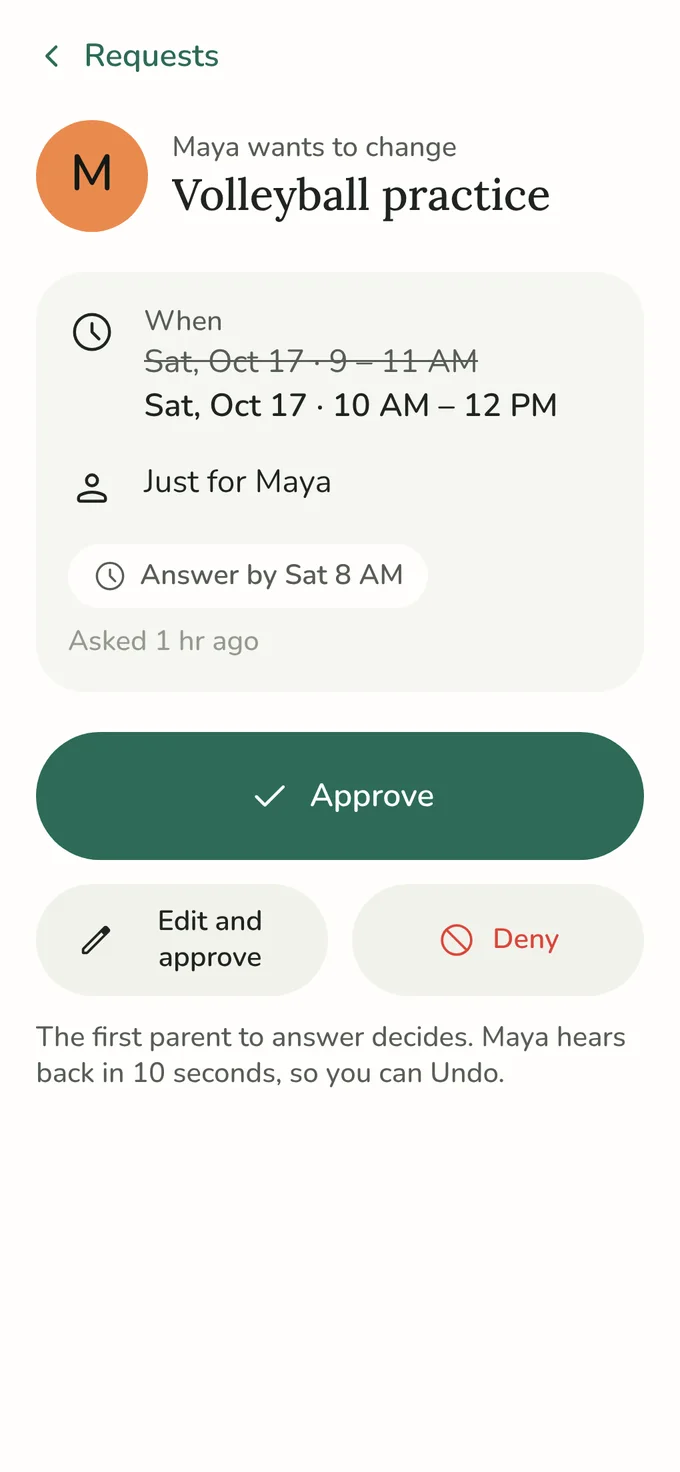
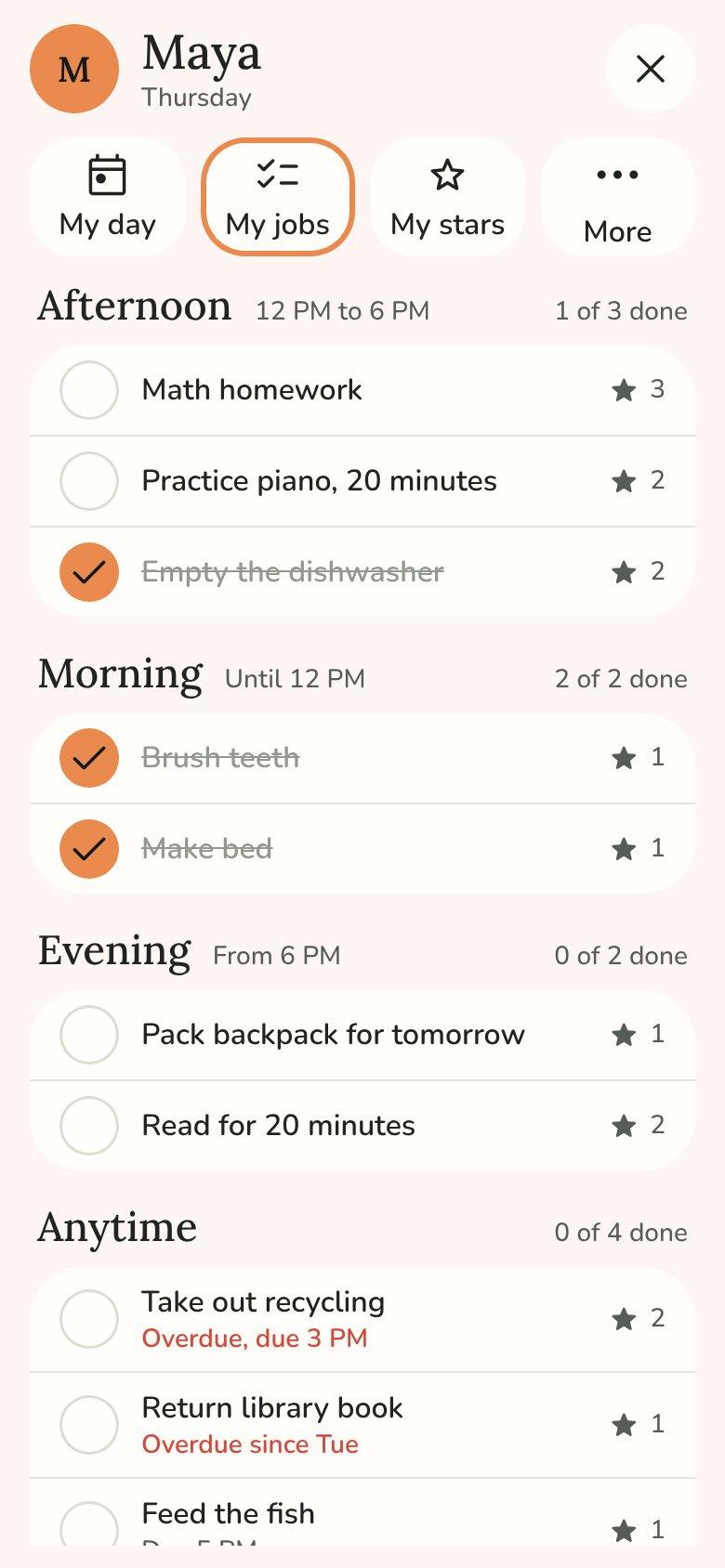
Check off chores. Ask to add plans.
- Maya checks her chores, sees the family week and asks to add her own plans.
- A request lands on your phone. One tap puts it on the calendar.

Add a plan. Say who’s driving.
- Noah asks to add “Hang out at Mike’s” and says who is driving. When a parent allows, he takes driving turns.
- The plan and the ride arrive together. Approve and it’s on the calendar.

Your family’s world. Wherever you are.
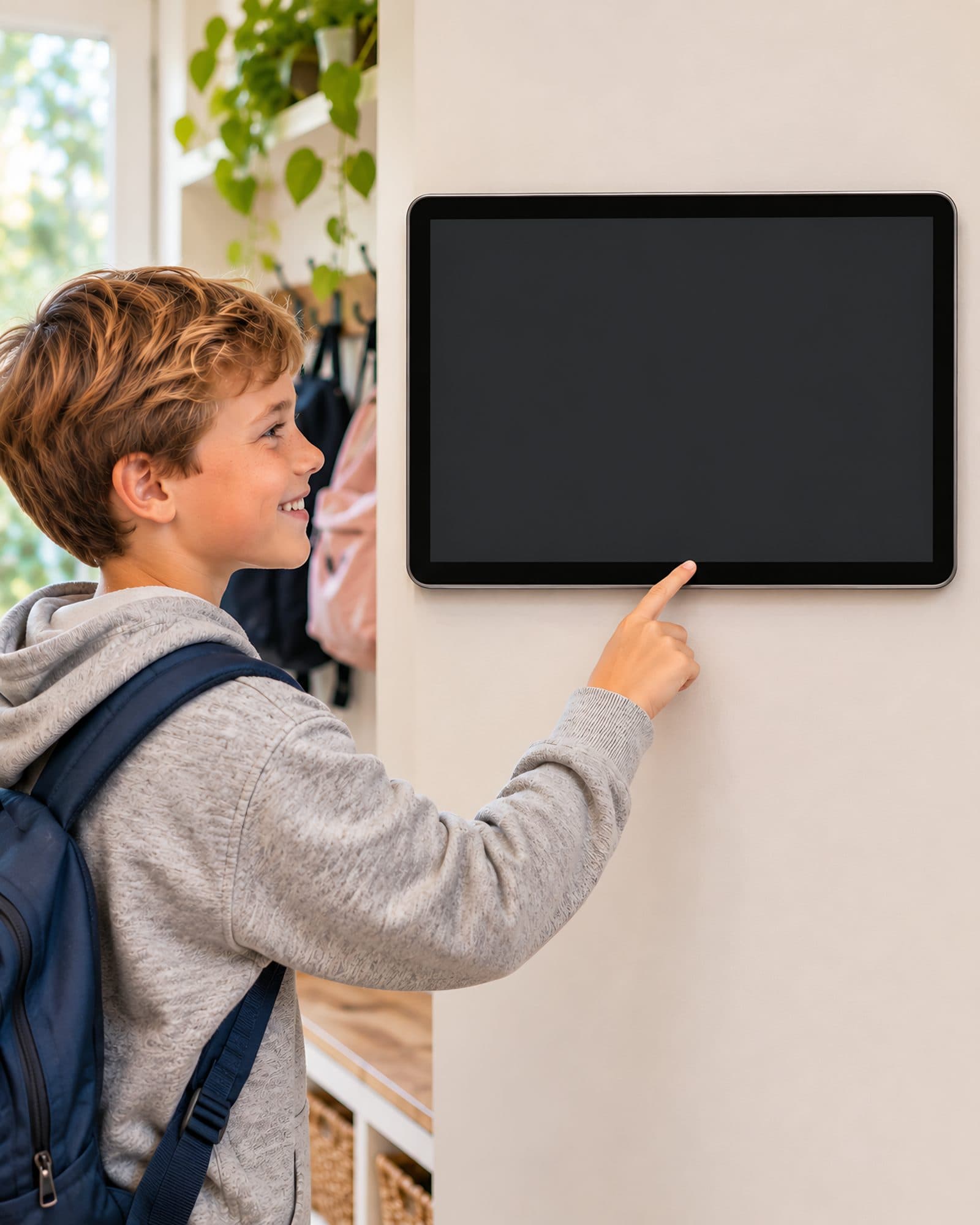
Check the week on your phone. Manage the details on your laptop. Put the family plan on a kitchen display.
Banjo works alongside the calendars and devices you already use.

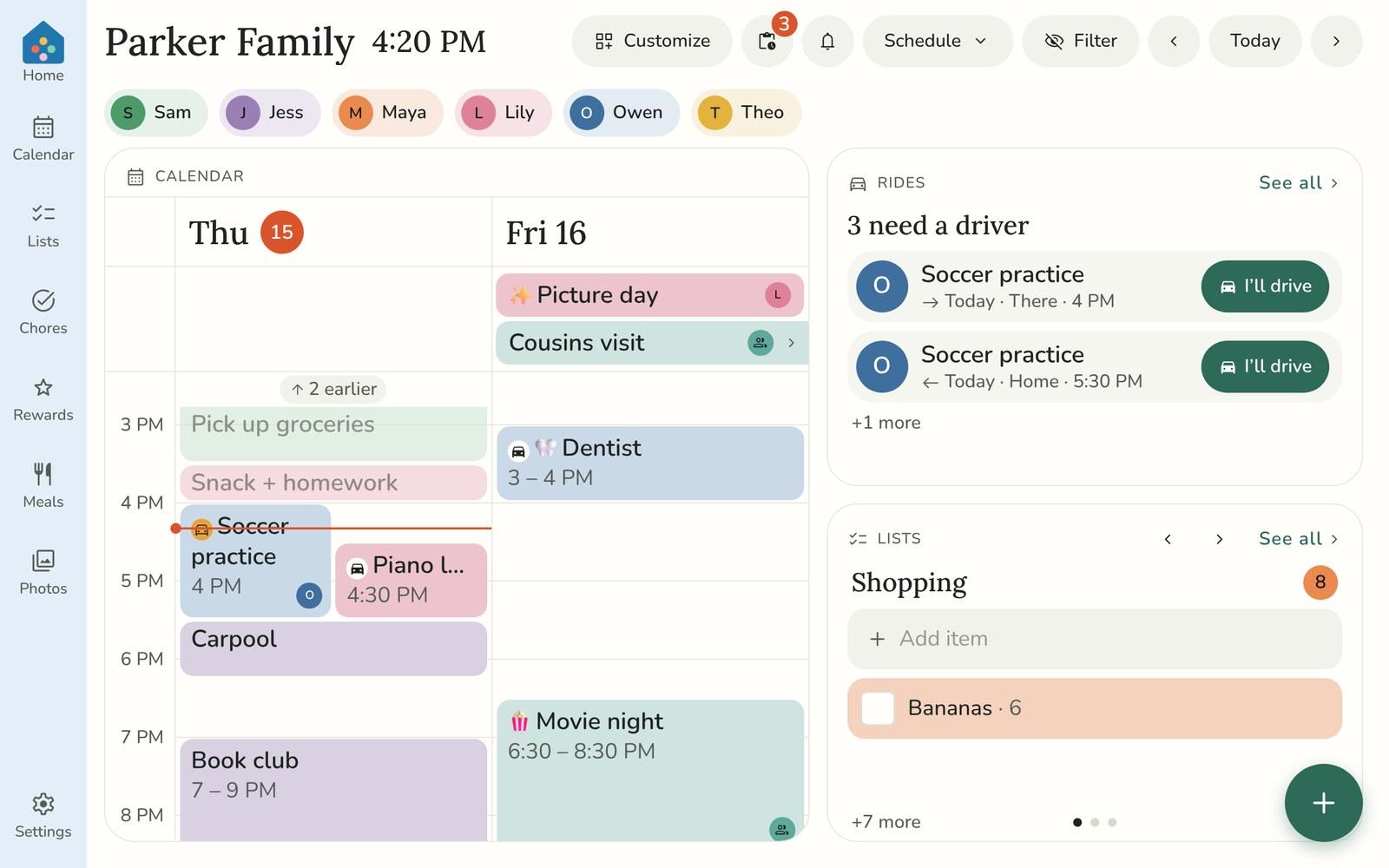
The kitchen display is optional. Any tablet or screen you already own works too.
Keep the tools your family already uses.
Your family shouldn’t have to start over just to get organized.
Connect existing calendars, bring in school and sports schedules, and share plans with the people who need them.
Google Calendar
Two-way sync
Apple Calendar
Calendar invites and subscribed feeds
Microsoft Outlook
Calendar invites and subscribed feeds
Team calendars
Sports and team schedule feeds

More family. Less family logistics.
The schedules, the rides, the routines, the people who help. Bring it all together with Banjo.
Get Started FreeIt takes a village. Give it a home.