Skip to content

A better way to bring your family together.

Five steps, and nobody has to start over.

Two parents looking at a tablet together in their living room

1. Create your family.

  • Add the people in your home. Everyone gets their own place in the plan, and a shared shopping list to add to.
Banjo on a phone: today’s schedule with soccer practice, piano and book club
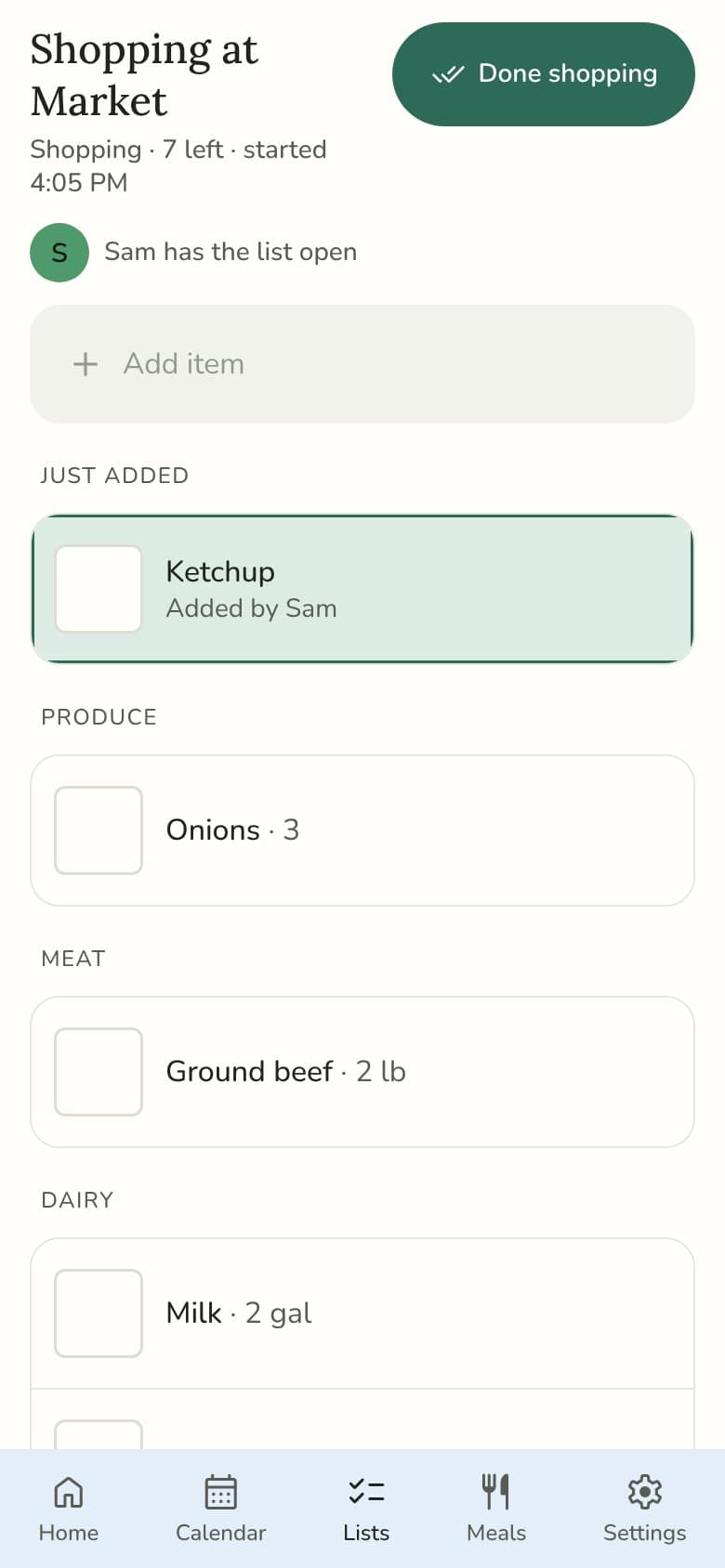
Shopping at Market on a phone: Ketchup under Just added, marked Added by Sam, then onions under Produce, ground beef under Meat and milk under Dairy

2. Bring your calendars and schedules together.

  • Connect Google Calendar and bring in school and team schedules.
Banjo’s family week with each person’s events in their own color

3. Invite the people who help your family.

  • Grandparents, sitters and other families can take part through calendar invitations and one-tap links.
Thanks, you’re driving: the confirmation with a calendar invite on its way

4. Give everyone the right access.

  • Parents, teens, kids and caregivers each see what fits them.
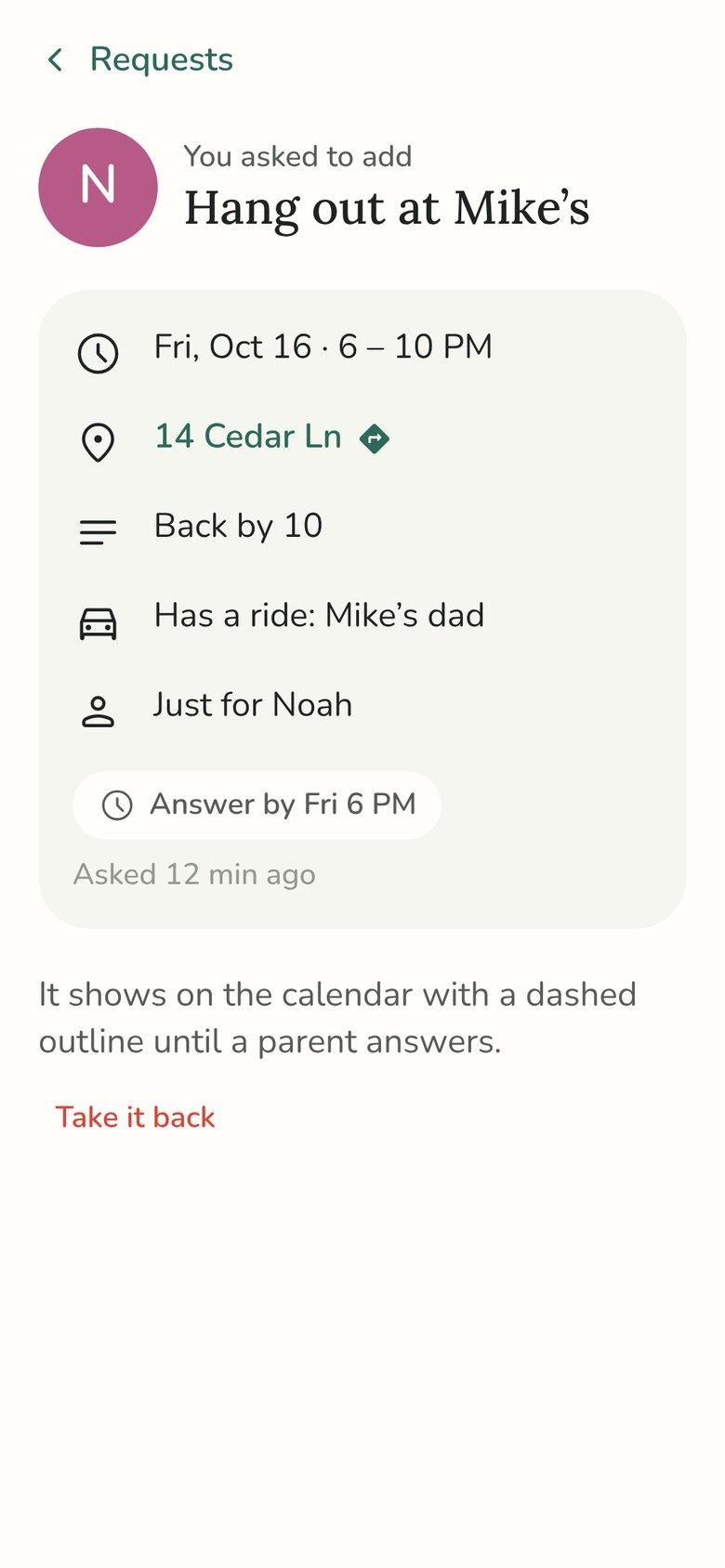
A teen’s request to hang out at a friend’s, waiting for a parent’s answer
Kid Mode: a child’s day as big pictures, with stars and a countdown

5. Let Banjo help with the busywork.

  • Forward an email or snap a flyer. Banjo suggests the events and your family decides.

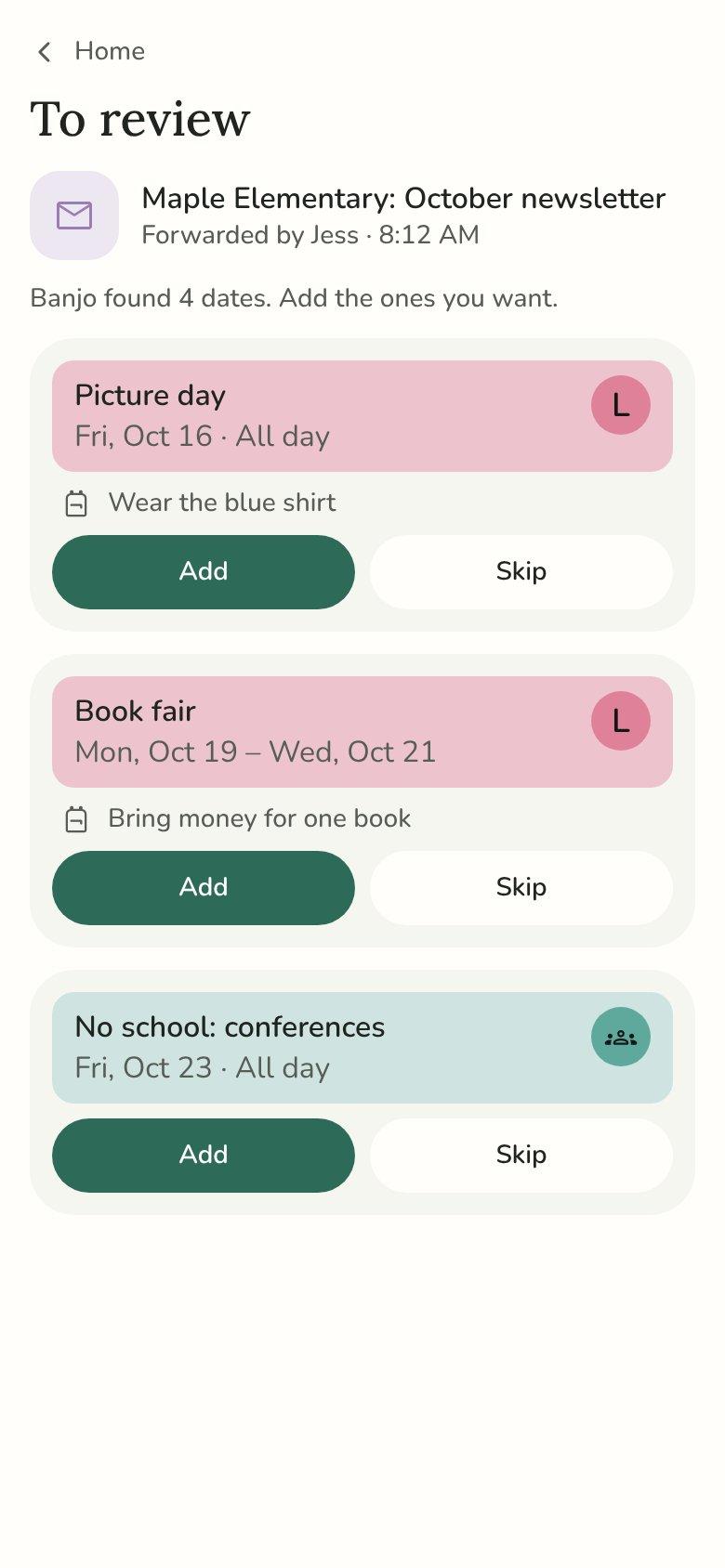
A forwarded school newsletter with the dates Banjo found, ready to add or skip
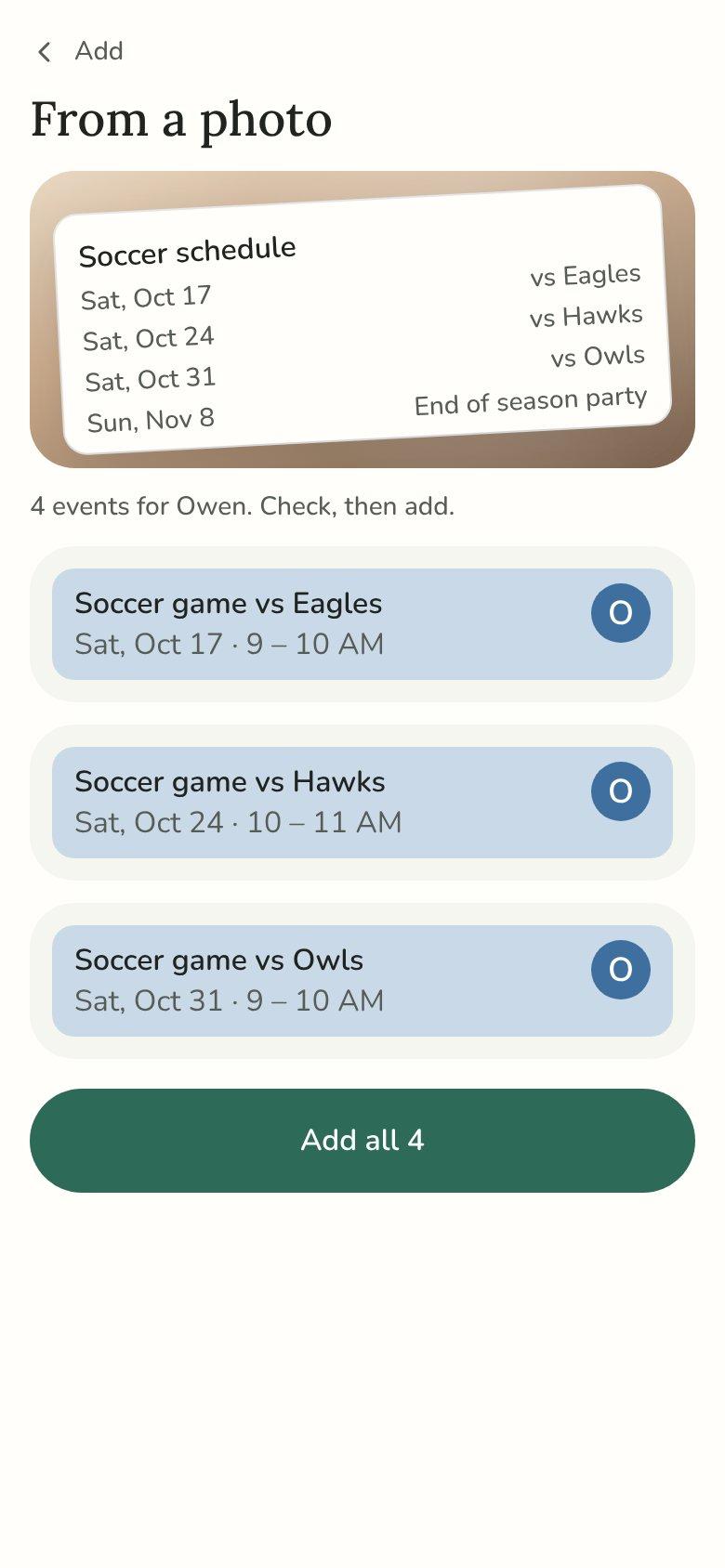
A photographed soccer schedule turned into events to check and add

More family. Less family logistics.

Get Started Free

It takes a village. Give it a home.