
Skip to content

Your family’s busywork, handled.

Banjo turns everyday information into family plans.

A hand holding a phone that shows Ask the House, in a bright kitchen

FORWARD AN EMAIL

Forward it. Banjo finds the dates.

Forward a school or team email to your Banjo address, or let a Gmail filter do it. Banjo reads the email and its attachments, finds the dates, forms and money due, and works out which child each one is for.
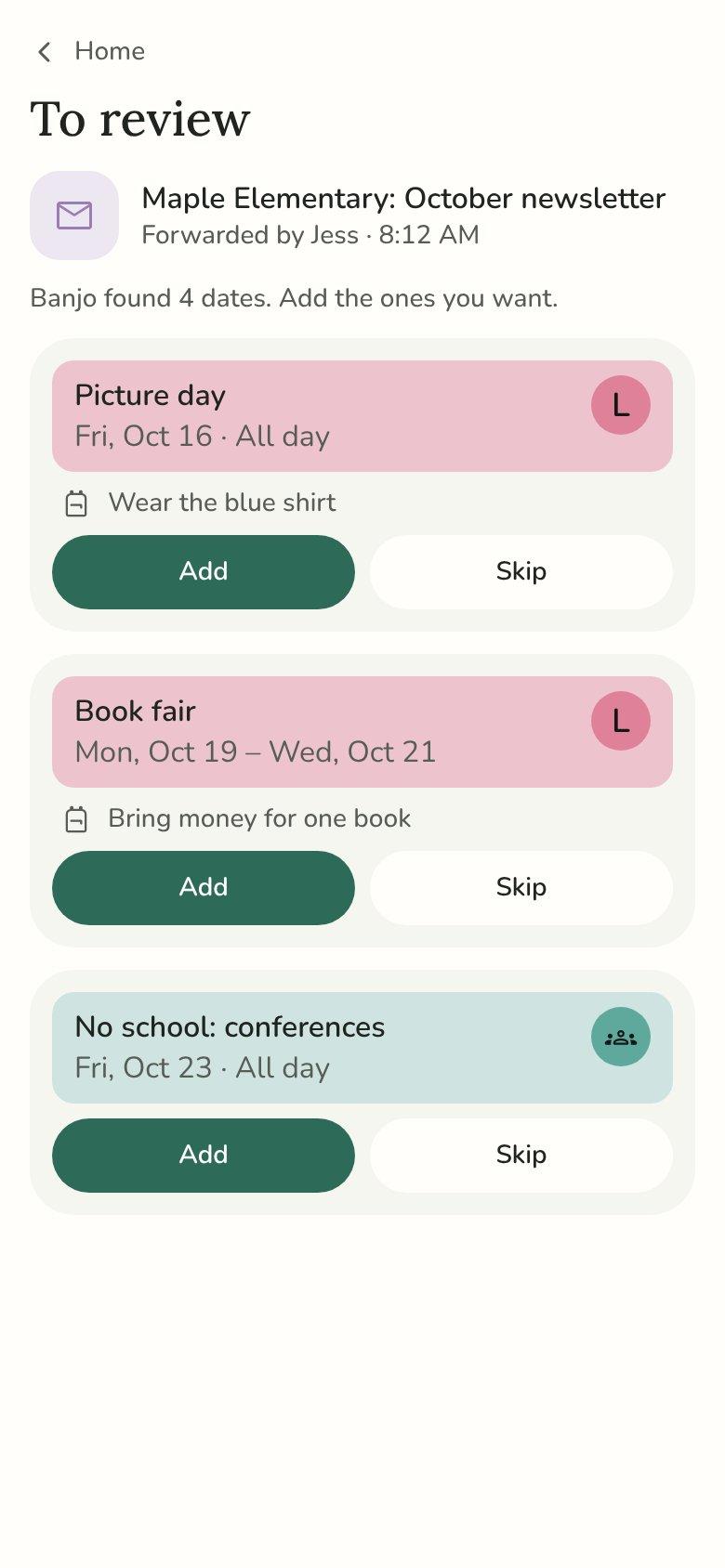
A forwarded school newsletter with the dates Banjo found, ready to add or skip

SNAP A PHOTO

Take a photo of the paper.

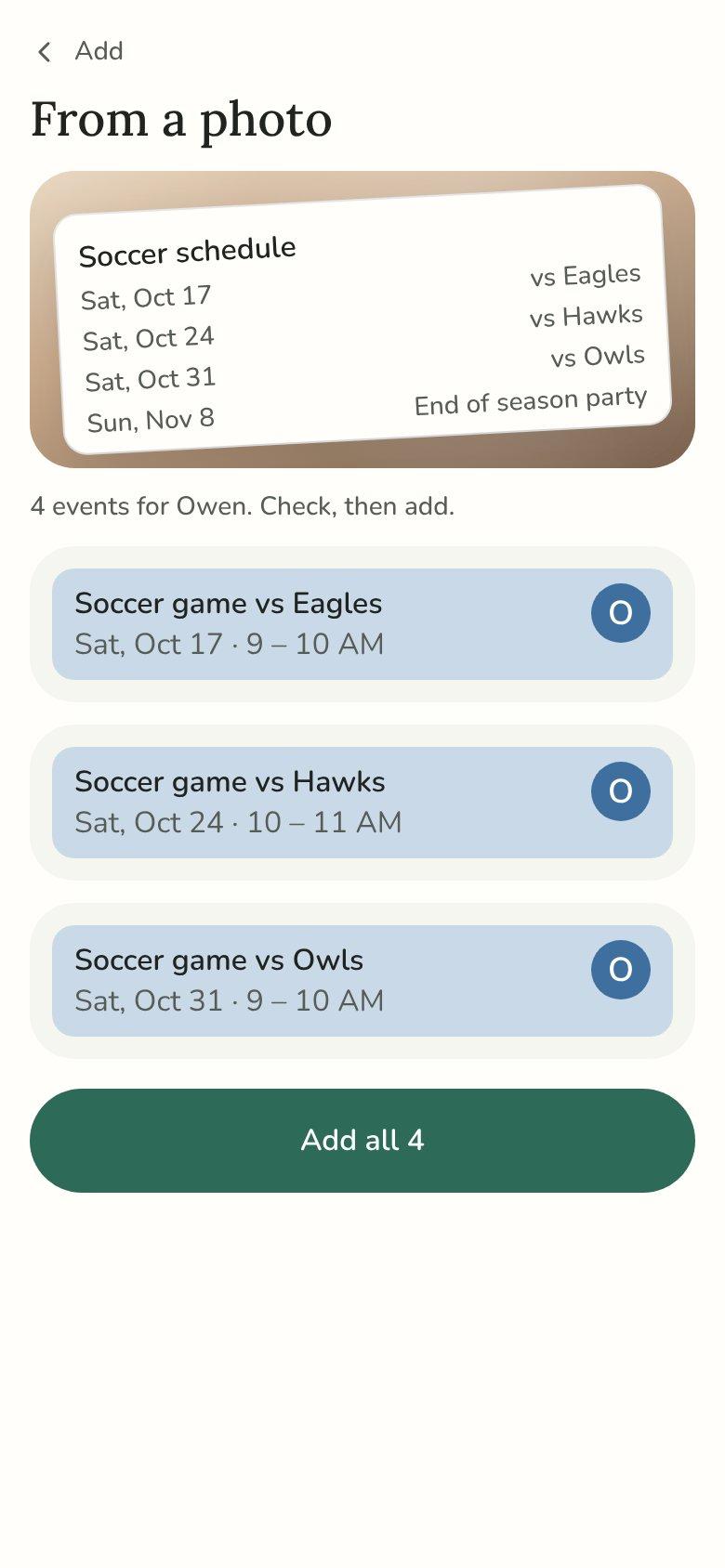
Point your phone at a flyer, a party invitation or a printed schedule. Banjo reads it and shows the events and to-dos to check. A party invitation also gets an RSVP to-do and a gift reminder.

A photographed soccer schedule turned into events to check and add

ASK THE HOUSE

Ask. Banjo checks the plan.

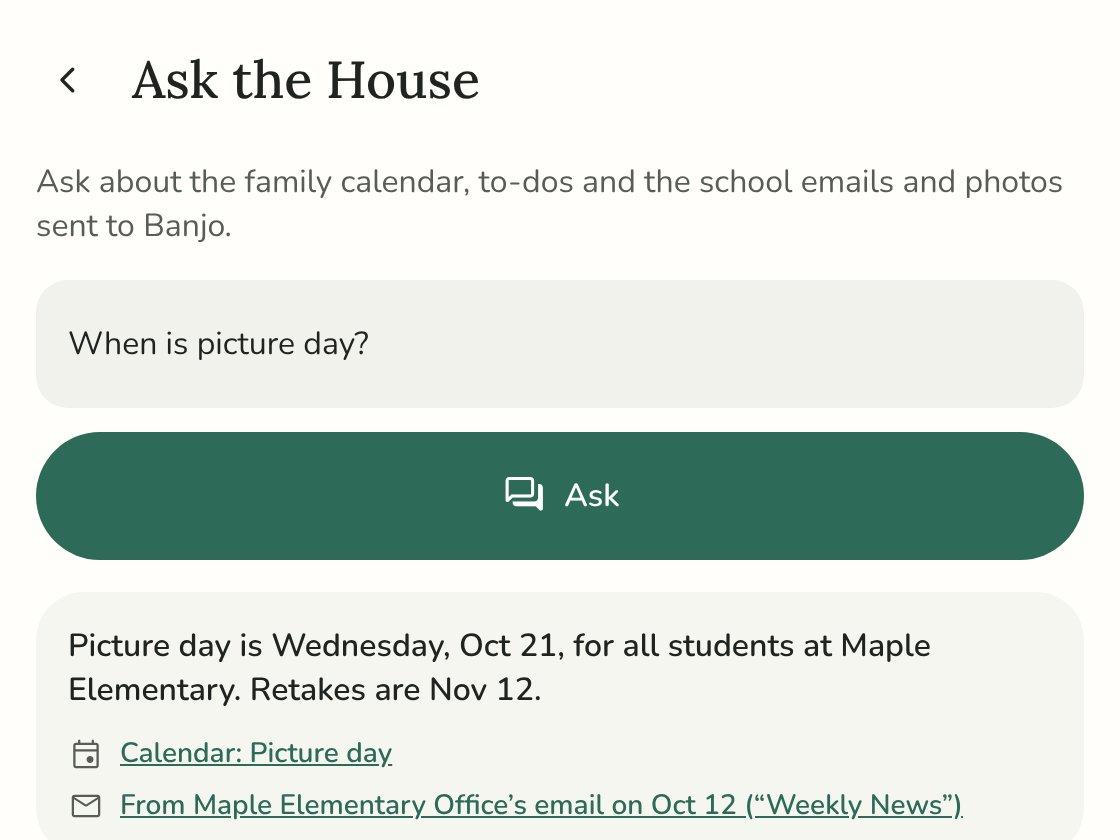
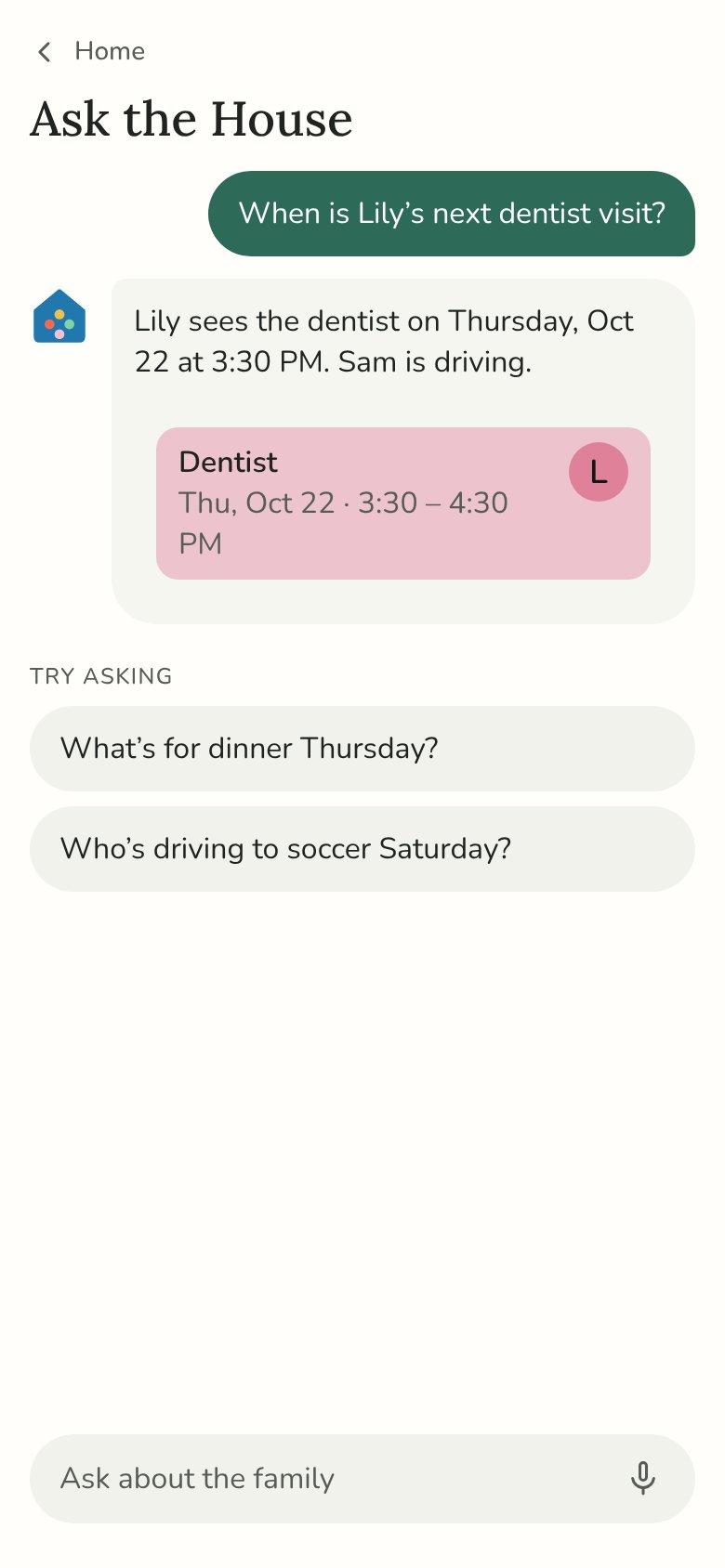
“When is picture day?” “Do we have anything Saturday?” Ask by voice or text and Banjo answers from your calendar, lists and the emails it has read, with the source shown. If it does not know, it says so.

Ask the House on a tablet: when is picture day, answered from the family calendar and school email

REVIEW

Anything unsure waits for you.

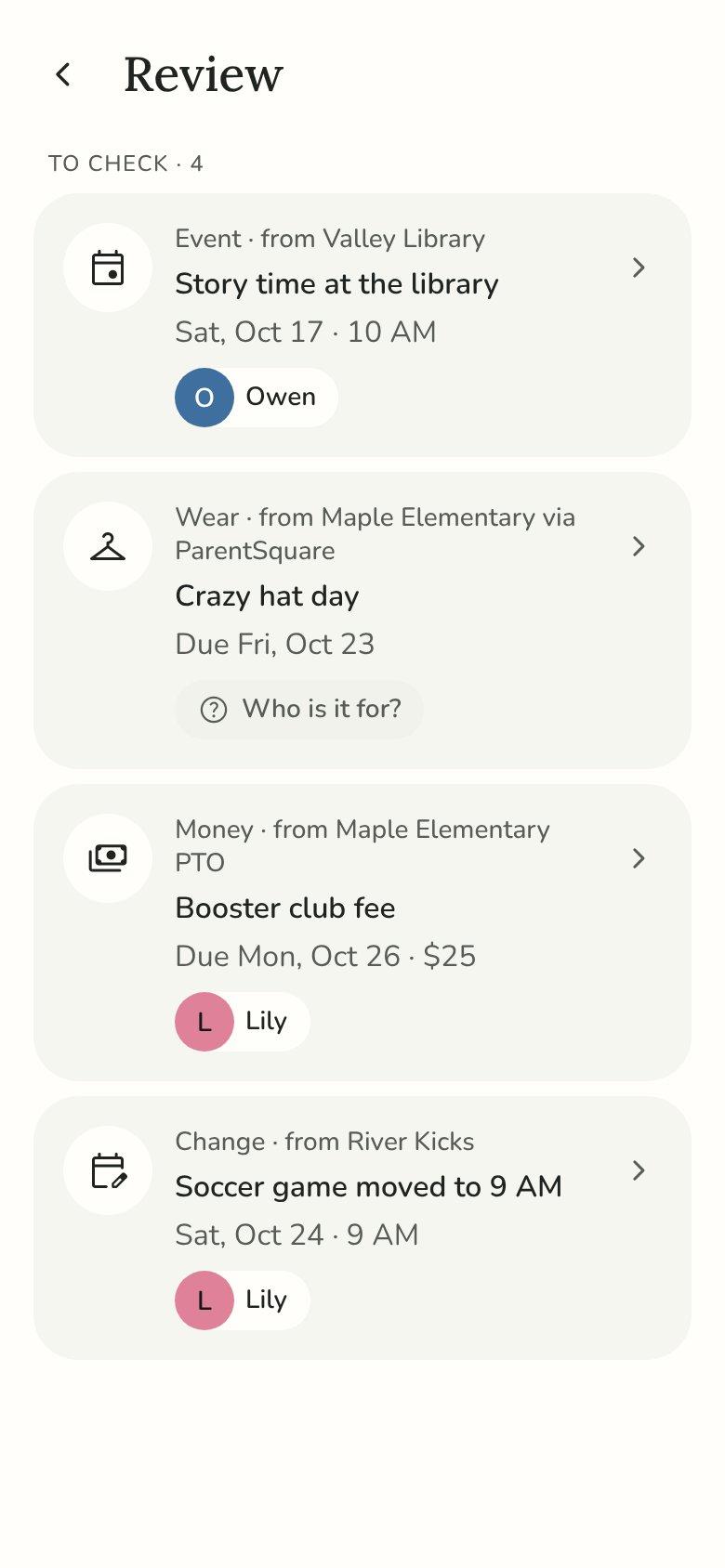
When Banjo is sure, a known sender’s date goes on the calendar with Undo. When it is not, the item waits in review with what it found, which child it is for and why. Approve, change the child, edit or skip.

Banjo’s Review list: four items to check, each with what it is, who sent it and which child it is for

Banjo handles the busywork. Your family has the last word.

Banjo suggests. Your family decides. Anything Banjo isn’t sure about waits for your yes.

Get Started Free

It takes a village. Give it a home.